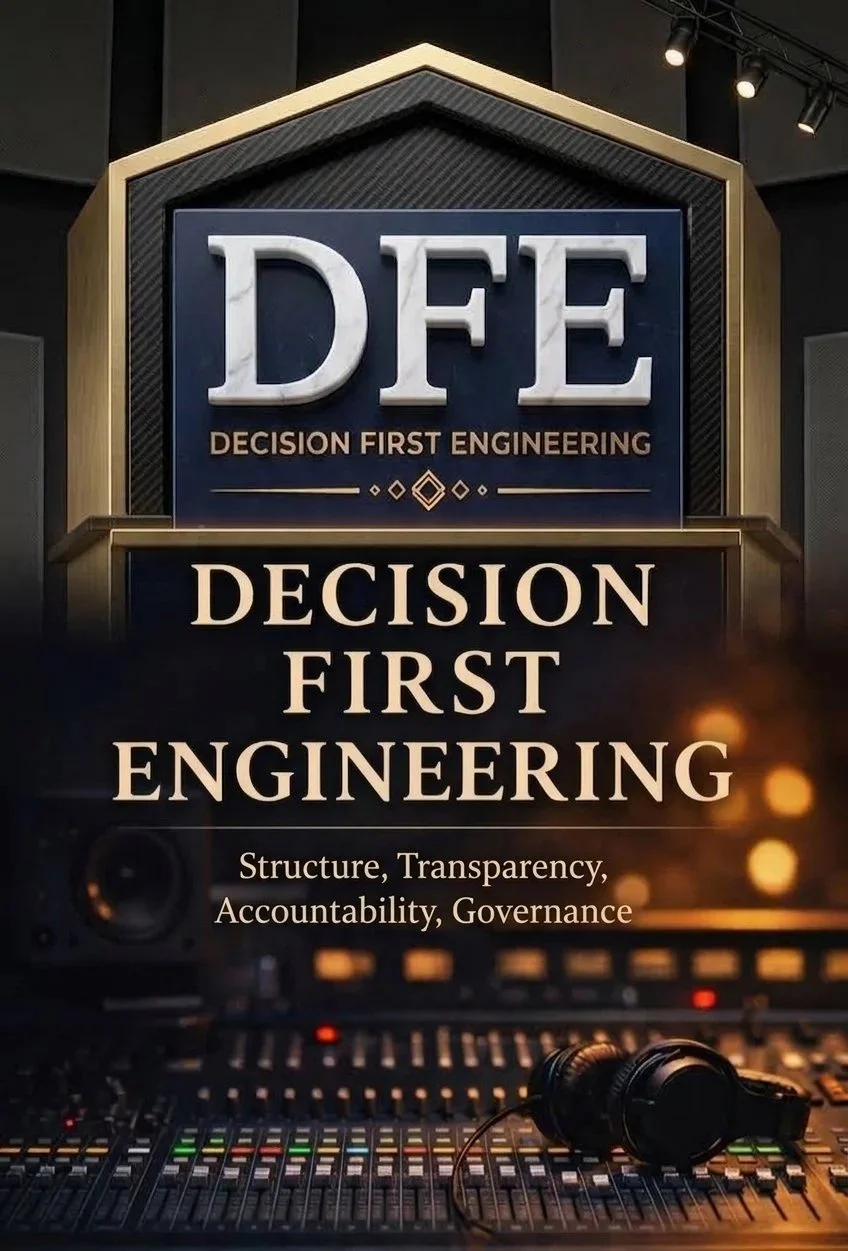

The DFE AI Agent Manual
Build an AI agent that takes the admin off your plate (inquiries, prep sheets, recaps, follow-ups) while every decision about money, clients and creative direction stays in your hands.
A step-by-step tutorial using Claude, built around a complete studio case study.
Your studio runs on decisions. Your week runs on admin.
The problem
Studio owners lose hours every week to the same emails, the same rescheduling, the same recaps they never get around to sending. That's time that should be spent behind the glass, or with your family.
The risk
AI agents can take that work on, but an agent with no rules can quote the wrong price, confirm the wrong date, or send something you'd never sign your name to. Speed without structure just creates new problems.
The DFE approach
This manual applies Decision First Engineering to your business: decide what the agent may do, write it down, connect only what it needs, and keep a human approval step on everything that matters. You get the hours back without giving up control.
Operations to the agent. Decisions to the humans.
THE PRINCIPLE BEHIND EVERY STEPSeven steps, from first job to daily routines
Click any step to see what you'll do, and how the Lantern Hill Studios case study puts it into practice.
Follow one studio through every step
Instead of abstract advice, the manual shows each step applied to a realistic two-room studio, with its real-world problems, policies and results.
Lantern Hill Studios FICTIONAL
- OWNER
- Jordan Hale, owner and head engineer
- ROOMS
- Studio A for tracking · Studio B for overdubs and mixing
- TOOLS
- Gmail, Google Calendar, Drive and Sheets · a Squarespace inquiry form
- PROBLEM
- About 15 hours a week lost to admin: the same booking questions, rescheduling, recaps and invoice chasing
The 30-day review
Illustrative figures from a fictional studio, used to show how to measure results. Your results will depend on your studio and setup.
Copy it, adapt it, put it to work
The manual includes ready-to-use instructions you can paste straight into Claude and adjust for your studio. Here are two excerpts.
Every morning at 7:00 AM:
1. Read all emails received since 6 PM yesterday.
2. Check today's calendar for sessions.
3. Write a short summary with three sections:
   URGENT, TODAY'S SESSIONS, CAN WAIT.
4. For each booking inquiry, save a draft reply
   using the Playbook. Follow the Agent Rules.
5. Save the summary to Drive > Agent Output.
1. Never send email. Save every reply as a draft.
2. Never create, move or cancel calendar events.
   Propose times in the draft instead.
3. Only quote rates from the Playbook.
4. Never discuss refunds, discounts or payments.
5. If unsure, stop and flag it. Start the draft with:
"⚑ NEEDS JORDAN:" and explain why.Built for studio owners, not programmers
This manual is for you if…
- You spend hours a week answering the same client questions
- Your session prep lives in your head instead of on paper
- Recaps and follow-ups slip through the cracks
- You want AI's help without handing over control
- You use (or can use) Gmail, Google Calendar and Drive
It's probably not for you if…
- You want an AI to make creative or mixing decisions
- You're looking for a fully hands-off, no-review setup
- You want an agent that answers phone calls
- You need a coding tutorial for building custom software
Frequently asked
Do I need to know how to code?
No. Steps 1 through 7 use Claude's everyday features: a Project with your instructions, connections to your email and calendar, and scheduled tasks. The manual explains the more technical options so you know they exist, but you don't need them to get started.
Which Claude plan do I need?
You can start with a Claude account at claude.ai. Connecting your tools and scheduling routines may require a paid plan, and plans and features change over time, so check claude.ai for current details before you begin.
Will the agent send emails or book sessions on its own?
Not if you follow the manual. Its guardrails keep every reply as a draft and every booking as a suggestion, so nothing reaches a client until you've approved it. That's the whole point of the DFE approach.
Is my clients' information safe?
The manual teaches the least-access principle: connect only what each job needs, with the smallest permissions that work. It also recommends updating your privacy policy so clients know you use AI assistance. You stay in control of what the agent can see.
How long does setup take?
Plan on about two to three hours for the initial setup, then two weeks of "shadow mode," where the agent drafts everything and you review it, before you rely on any routine.
Is Lantern Hill Studios a real studio?
No. Lantern Hill Studios, its people and its results are fictional, created to show each step in a realistic setting. The manual says so clearly up front.
Get your hours back, and keep your decisions.
Download the free 14-page manual and set up your first studio routine this week.
Claude is a product of Anthropic. Gmail, Google Calendar, Google Drive and Google Sheets are trademarks of Google LLC. Squarespace is a trademark of its owner. This manual is an independent tutorial by FX Studio 2 and is not affiliated with or endorsed by these companies. Lantern Hill Studios and all people, figures and results in the case study are fictional.